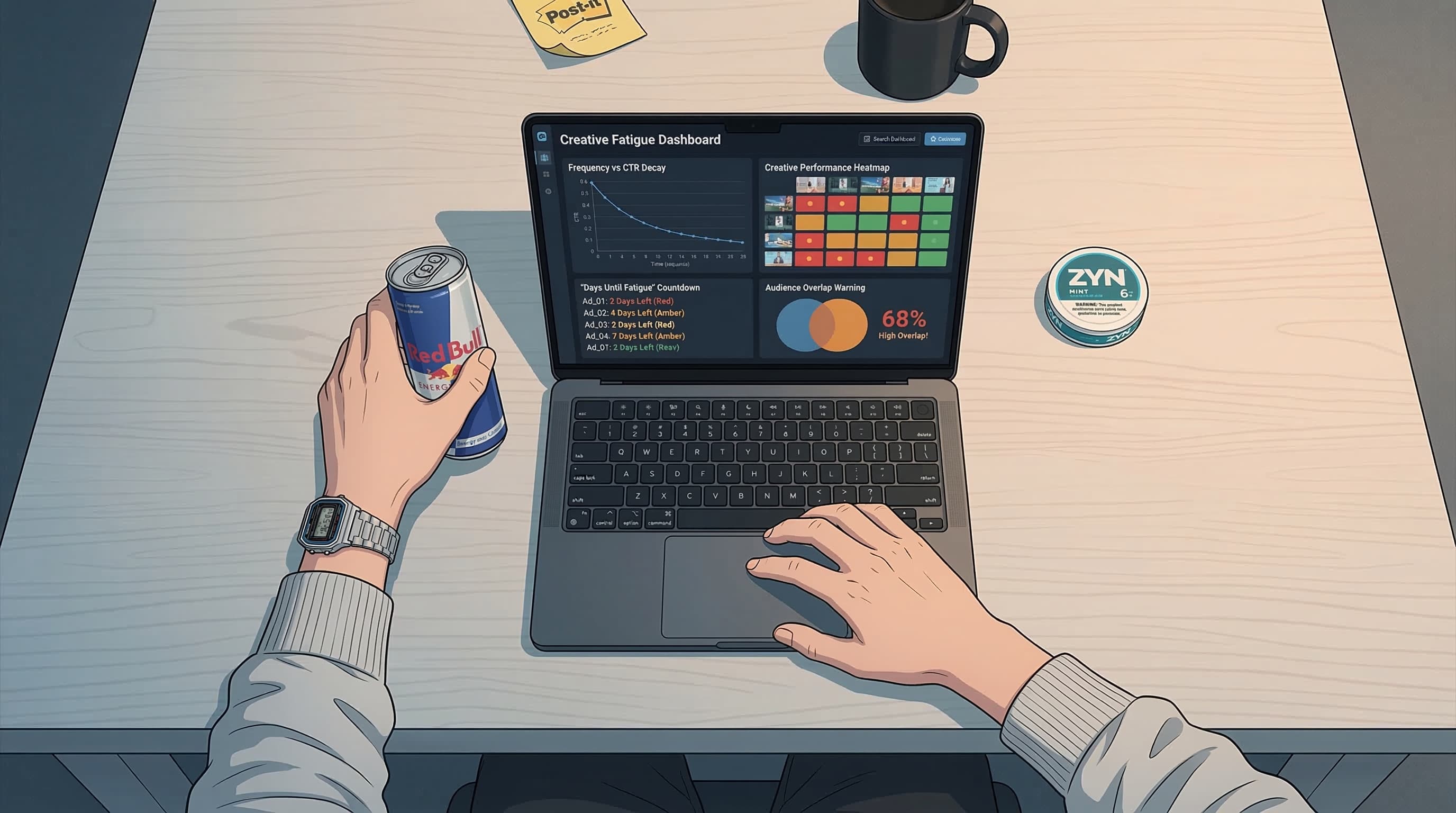
Last updated: — What changed: Corrected outdated facts, added source links and internal links.
Key Takeaways
- Ad fatigue is the single biggest silent killer of Meta ad performance — most media buyers catch it 5-7 days too late
- Frequency alone doesn't tell the story. You need to watch 5 signals together: frequency, CTR decline rate, CPM inflation, CPA creep, and engagement ratio shift
- The average Meta creative lasts 2-4 weeks before fatigue, and only 2% of creatives ever become true scale winners
- Creative velocity formula: Weekly spend / (3 x AOV) = minimum new creatives you need per week
- Manual detection works at low spend. Above $500/day, you need automated monitoring or you're leaving money on the table
Your ROAS didn't drop because Meta's algorithm changed overnight. It dropped because your best creative died three days ago and you didn't notice.
That's ad fatigue. And it's responsible for more wasted ad spend than bad targeting, wrong bidding strategies, and iOS privacy changes combined. We've seen this pattern across hundreds of accounts: a winning ad quietly degrades while the media buyer blames the algorithm, the audience, the landing page — everything except the creative that's been shown to the same people fourteen times.
This guide is the framework we wish existed when we started managing Meta accounts. No fluff. Just the exact signals, thresholds, and systems you need to catch fatigue before it tanks your numbers.
What Is Ad Fatigue, Really?
Ad fatigue is when your target audience has seen your creative enough times that they stop responding to it. Clicks dry up. Conversions slow. CPMs spike as Meta's algorithm struggles to find people who haven't already ignored you.
But here's the contrarian take most guides won't tell you: frequency is a lagging indicator, not a leading one.
By the time your frequency metric looks alarming in Ads Manager, the damage is already done. The real fatigue started days earlier — in micro-signals you probably weren't watching.
Think of it this way. Frequency tells you how many times your ad was shown per person. But it doesn't tell you whether those people are still paying attention. A retargeting ad at frequency 8 might still be profitable. A prospecting ad at frequency 2.5 might already be dead.
The distinction matters because ad fatigue is fundamentally about diminishing creative impact, not about a number crossing a threshold. Two ads can have identical frequency but wildly different fatigue profiles based on audience type, creative format, and how repetitive the ad feels.
What Ad Fatigue Is NOT
It's not the same as audience saturation. Audience saturation means you've reached everyone worth reaching in your targeting — the fix is new audiences or broader targeting, and a saturation curve will tell you which one you're actually looking at. Ad fatigue means the creative itself has gone stale — the fix is new creative. Confusing the two leads to the wrong intervention, which burns more budget.
It's also not seasonal dips, iOS attribution lag, or landing page issues. Before you diagnose fatigue, rule out external factors. But if your creative metrics are degrading while your landing page conversion rate holds steady — that's fatigue.
What are the 5 early warning signs of ad fatigue?
Stop relying on a single metric. Creative fatigue shows up as a pattern across multiple signals, usually in a predictable sequence. Here's the order things break down — and the exact thresholds to watch.
Signal 1: Frequency Creep
The most obvious signal, but it needs context. Frequency thresholds vary dramatically by campaign objective and audience type.
| Campaign Type | Audience | Warning Zone | Danger Zone |
|---|---|---|---|
| Prospecting (TOF) | Broad / Lookalike | 2.0 - 2.5 | 3.0+ |
| Prospecting (TOF) | Interest-based | 2.5 - 3.0 | 3.5+ |
| Retargeting (MOF) | Website visitors | 5.0 - 7.0 | 10.0+ |
| Retargeting (BOF) | Cart abandoners | 7.0 - 10.0 | 12.0+ |
| Retention | Existing customers | 3.0 - 4.0 | 6.0+ |
How to check: In Ads Manager, go to Columns > Customize Columns > add Frequency. Then use Breakdown > By Time > Day to see how frequency is trending day-over-day, not just the aggregate.
The aggregate frequency hides the problem. An ad with an overall frequency of 2.0 might have hit 4.0+ in the last three days if delivery accelerated. Always look at the daily trend.
Signal 2: CTR Decline Rate
This is the first real canary in the coal mine. CTR drops before CPA rises — often by 3-5 days. That gap is your intervention window.
What to watch:
- A 15-20% CTR decline over 3 consecutive days signals early fatigue
- A 30%+ CTR decline from the ad's peak performance is a hard warning
- Compare CTR (All) vs CTR (Link) — if CTR (All) holds but CTR (Link) drops, people are engaging superficially (likes, comments) but not clicking through anymore
The benchmark trap: Don't compare against industry average CTR. Compare against that specific ad's first 5-7 days of performance. Every creative has its own baseline. A 2.1% CTR ad dropping to 1.7% is a bigger deal than a 0.8% CTR ad dropping to 0.7%.
Signal 3: CPM Inflation
When Meta's algorithm detects that your ad isn't resonating anymore, it has to work harder to find people who'll engage. That costs more. CPMs rise.
Thresholds:
- 10-15% CPM increase week-over-week on the same ad = early warning
- 25%+ CPM spike with no change in targeting or budget = likely fatigue
- CPM rising while frequency also rises = almost certainly fatigue (Meta is both showing it more and charging you more)
One nuance: CPM inflation has seasonal and competitive causes too — Q4, elections, major events. We break all of them down in why Facebook ads CPM is so high in 2026. Always cross-reference CPM changes with the other four signals before calling it fatigue.
Signal 4: CPA Creep
By the time CPA starts climbing, fatigue has been building for days. This is the metric most media buyers notice first — but it's actually the last domino to fall.
Pattern to watch:
- CPA increases 10-20% over a 5-day window with no targeting or budget changes
- CPA volatility increases (wild daily swings) — this often precedes a sustained increase
- CPA rising on your best-performing ads specifically (newer ads still hitting target)
The CPA signal is most useful when combined with CTR decline. If CTR is dropping and CPA is rising, that's a confirmed fatigue diagnosis. If CPA rises but CTR holds, look at landing page issues or audience saturation instead.
Signal 5: Engagement Ratio Shift
This one's subtle but powerful. As fatigue sets in, the type of engagement shifts. Positive engagement (saves, shares, link clicks) drops while negative signals (hide ad, ad relevance declining) increase.
Where to find it: Check the Quality Ranking, Engagement Rate Ranking, and Conversion Rate Ranking columns in Ads Manager. If an ad that was "Above Average" starts dropping to "Average" or "Below Average" — that's fatigue eroding its relevance score in real time.
Also monitor comment sentiment. An ad entering fatigue often accumulates "I've seen this a million times" comments, or worse — no new comments at all. The audience has simply stopped caring.
| Signal | Lead Time | Severity | Where to Find |
|---|---|---|---|
| Frequency creep | Coincident | Medium | Ads Manager > Frequency column |
| CTR decline | 3-5 days early | High | Ads Manager > CTR (Link Click-Through Rate) |
| CPM inflation | 1-3 days early | Medium | Ads Manager > CPM column |
| CPA increase | Lagging | Critical | Ads Manager > Cost per Result |
| Engagement shift | 2-4 days early | Medium | Quality/Engagement/Conversion Rankings |
How do you detect ad fatigue step by step?
Knowing the signals is one thing. Having a repeatable system is another. Here's the exact framework — what to check, how often, and what to do with the data.
Daily Check (5 minutes)
- Open Ads Manager. Set date range to Last 7 days.
- Sort by Spend (highest first) — your biggest spenders fatigue fastest.
- Add Breakdown > By Time > Day to your top 10 ads by spend.
- Scan for: CTR declining 3+ consecutive days, frequency above warning zone for that campaign type, CPM trending up.
- Flag any ad showing 2+ signals for deeper review.
Twice-Weekly Deep Review (20 minutes)
- Pull your top 20 active ads into a spreadsheet or monitoring tool.
- For each ad, record: current frequency, CTR (today vs. 7-day average vs. peak), CPM trend, CPA trend, quality ranking.
- Calculate CTR decay rate: (Peak CTR - Current CTR) / Peak CTR x 100. Anything over 25% is a warning. If you'd rather not do the arithmetic by hand, the fatigue forecast tool projects the same decay curve and estimates how many days a creative has left.
- Compare each ad's current CPA to your target CPA. If it's 20%+ over target and CTR is declining, flag for replacement.
- Review your creative pipeline — do you have replacements ready?
Weekly Strategic Review (30 minutes)
- How many ads entered fatigue this week? Is the rate increasing?
- What's your average creative lifespan? (Track this — it's your most important creative ops metric.)
- Are you producing enough new creatives to replace what's dying? (See the creative velocity formula below.)
- Which creative formats are lasting longest? Static, video, carousel, UGC?
- Which hooks and angles are most durable? This feeds back into your creative testing framework.
How many new creatives do you need to outrun fatigue?
Enough to replace what dies each week — and here's the math most media buyers ignore until they're scrambling.
According to Brkfst.io's published creative research, only 2% of creatives become true scale winners. That means for every 100 ads you produce, roughly 2 will carry real weight. The rest are supporting cast at best.
Data from Motion shows that even top-performing creative concepts see a 40% performance drop within 2-3 weeks. The average Meta creative lasts 2-4 weeks before fatigue makes it uneconomical.
So how many new creatives do you actually need?
The formula:
Minimum new creatives per week = Weekly ad spend / (3 x Average Order Value)
Some examples:
| Weekly Spend | AOV | Min Creatives/Week |
|---|---|---|
| $3,000 | $50 | 20 |
| $7,000 | $100 | 23 |
| $15,000 | $75 | 67 |
| $30,000 | $120 | 83 |
| $50,000 | $50 | 333 |
Those numbers at higher spend levels look insane — and they are. This is exactly why creative production is the bottleneck for scaling Meta ads. You can have perfect targeting, perfect bidding, perfect landing pages, and still fail because you can't produce creative fast enough to replace what fatigue kills.
The practical takeaway: if you're spending more than $10k/week and not producing 30+ new creative variations weekly, you're running on borrowed time. Budget some of that ad spend toward creative production. The ROI on creative volume — at scale — far outperforms the ROI on incremental audience testing.
What to Do When Fatigue Hits
You've identified a fatigued ad. Now what? The wrong move wastes budget. The right move preserves the learning from that creative and redirects spend efficiently.
The Decision Tree
Was this ad a top performer before fatigue?
Yes — Try iteration first:
- Swap the first 3 seconds (video) or the headline (static)
- Change the thumbnail or opening frame
- Alter the CTA or offer framing
- Re-cut the same footage with a different structure
- Test a new aspect ratio (9:16 vs 1:1)
If the iteration shows strong initial metrics (first 48 hours), let it run. If not, kill it and move on.
No, it was mid-tier — Kill it immediately. Don't waste time iterating on ads that weren't impressive before fatigue. Redirect the budget to your pipeline of new tests.
It was a total dud — Should have been killed already. Pause it and review why it ran this long without intervention. Tighten your review process.
The "Frankensteining" Technique
Before you kill a winner, mine it for parts. Look at:
- Which hook got the highest hold rate (first 3 seconds)?
- Which body section had the best engagement?
- Which CTA drove the most conversions?
Combine the best-performing elements from multiple fatigued winners into new creatives. This isn't lazy — it's strategic. The algorithm already validated these components. You're just recombining them in fresh ways.
Budget Redistribution
When you pause a fatigued ad, don't just let Meta reallocate within the ad set. Manually shift budget to:
- Your freshest creatives (less than 7 days old with positive early signals)
- Your most durable performers (ads still showing strong CTR after 14+ days — these are rare and precious)
- New creative tests in separate testing campaigns with controlled budgets
Can you automate ad fatigue detection?
Yes — at three levels, and past a handful of accounts you need at least the first. Let's be real: the manual framework above works. But it doesn't scale, and it's only as good as the human remembering to do it on Tuesday morning.
Level 1: Meta's Built-in Rules
Ads Manager has a Rules feature (found under the campaign/ad set/ad actions menu) that can automate basic fatigue responses — our complete guide to Meta automated rules walks through the setup. You can create rules like:
- If frequency > 3.0 AND CTR (link) < 1.0% for last 3 days — pause ad
- If CPA > $X for last 5 days — reduce budget by 25%
- If CPM increases > 20% compared to previous 7 days — send notification
These work but they're blunt instruments. They evaluate signals in isolation, miss the pattern-based detection that catches fatigue early, and can't factor in creative lifespan or your pipeline readiness.
Level 2: Spreadsheet Monitoring
Export your data via Meta's reporting API or manual CSV downloads. Build a tracker that calculates decay rates, flags threshold breaches, and gives you a dashboard view. This is where most serious media buyers live — and it works until you're managing 5+ accounts with 50+ active ads each.
Level 3: AI-Powered Detection
This is where tools like AutoAdy change the game. Instead of setting static thresholds and hoping they catch the right patterns, AI-driven fatigue detection uses statistical process control — the same technique manufacturing borrowed decades ago to spot a machine drifting out of tolerance — to establish dynamic baselines per ad and flag deviations that indicate fatigue.
Here's what that looks like in practice: instead of a blanket "pause if frequency > 3.0" rule, the system learns that this specific ad in this specific audience typically maintains a CTR of 1.8% and starts flagging when it drops to 1.5% — even if that's still above your account average. It's ad-level anomaly detection, not account-level thresholds.
AutoAdy's creative analytics monitor all five fatigue signals simultaneously and surface alerts before you'd catch the pattern manually. When fatigue is confirmed, the system can automatically pause the fatigued ad and notify you to deploy replacements — or, if you've built a creative pipeline with AI-generated variations, trigger fresh creative rotation without manual intervention.
The difference between Level 1 and Level 3 isn't just convenience. It's catching fatigue 3-5 days earlier, which — at scale — translates directly into recovered ROAS. On a $50k/month account, catching fatigue even 2 days sooner can save $2,000-5,000 in wasted spend per month.
Comparison: Detection Methods
| Method | Setup Time | Accuracy | Scalability | Cost |
|---|---|---|---|---|
| Manual checks | None | High (if consistent) | Low (1-3 accounts) | Free (your time) |
| Meta Rules | 30 min | Medium | Medium | Free |
| Spreadsheet tracking | 2-4 hours | Medium-High | Medium (5-10 accounts) | Free |
| AI-powered monitoring | 15 min | High | High (unlimited) | Tool subscription |
The Bigger Picture: Creative Is the New Targeting
Here's the uncomfortable truth most media buyers haven't fully internalized yet.
After iOS 14.5, Advantage+ audiences, and Meta's continued push toward broad targeting — creative is your targeting. The algorithm uses creative engagement signals to find the right audience. When your creative fatigues, you don't just lose click-through rate. You lose the signal that was helping Meta find your best customers.
This means ad fatigue detection isn't just a maintenance task. It's a core performance lever. The media buyers winning in 2026 aren't the ones with the most sophisticated audience structures or the cleverest bidding strategies. They're the ones with the fastest creative feedback loops — detecting fatigue early, replacing creatives quickly, and feeding the algorithm a constant stream of fresh signal.
Build the system. Automate what you can. And never assume a winning ad will keep winning. It won't. The only question is whether you'll catch it in time.
FAQ
What is the ideal frequency before ad fatigue kicks in on Meta?
It depends on objective. For cold prospecting, fatigue typically begins at a frequency of 2.5-3.0. Retargeting audiences tolerate higher frequency — up to 8-10 — because users already recognize the brand. Monitor CTR alongside frequency; a frequency of 2.0 with declining CTR is worse than 4.0 with stable CTR.
How often should I check for creative fatigue?
At minimum, twice per week for accounts spending over $500/day. Daily checks are ideal for high-spend accounts ($5k+/day). Automated monitoring with threshold-based alerts is the gold standard — it catches the early signals humans miss during manual reviews.
Should I kill a fatigued ad or try to iterate on it?
If the ad was a top performer before fatigue, iterate first — swap the hook, change the thumbnail, or edit the first 3 seconds. If it was mid-tier, kill it and redirect budget to fresh creatives. Never try to revive an ad that wasn't performing well even before fatigue set in.
Can increasing budget cause ad fatigue faster?
Yes. Scaling spend on a single creative compresses its lifespan dramatically. An ad that lasts 3 weeks at $200/day might fatigue in 5-7 days at $2,000/day. This is why creative velocity — having enough new ads in the pipeline — matters more as you scale.
What's the difference between ad fatigue and audience saturation?
Ad fatigue is creative-level — the same people see the same ad too many times and stop engaging. Audience saturation is targeting-level — you've exhausted the convertible users in your audience. The fix for fatigue is new creatives; the fix for saturation is new audiences or broader targeting.